Introduction: Protecting Your Work in the AI Era
Protecting your intellectual property with reliable secure file transfer solutions is essential in today’s digital world, where cyber threats are becoming increasingly sophisticated. In 2026, the risks have evolved beyond simple “hacking.” With the rise of AI data harvesting, professionals—from research scientists to creative artists—face a new challenge: Is my work actually private, or is it being used to train an AI model?
Whether you are sharing a breakthrough pharmaceutical patent or an unreleased master track, you need a solution that guarantees your work remains yours. Ideally, a modern transfer service should combine enterprise-grade security with the ease of use that creators love.
Choosing the Best Tools for Secure File Sharing
To help you navigate this changing landscape, we have analyzed the leading solutions for secure file transfer in 2026, focusing on their specific strengths and ideal use cases.
BLAZE Quantum (The Quantum-Safe Specialist)
Best For: Protecting High-Value IP, Large Files, and Future-Proof Privacy.
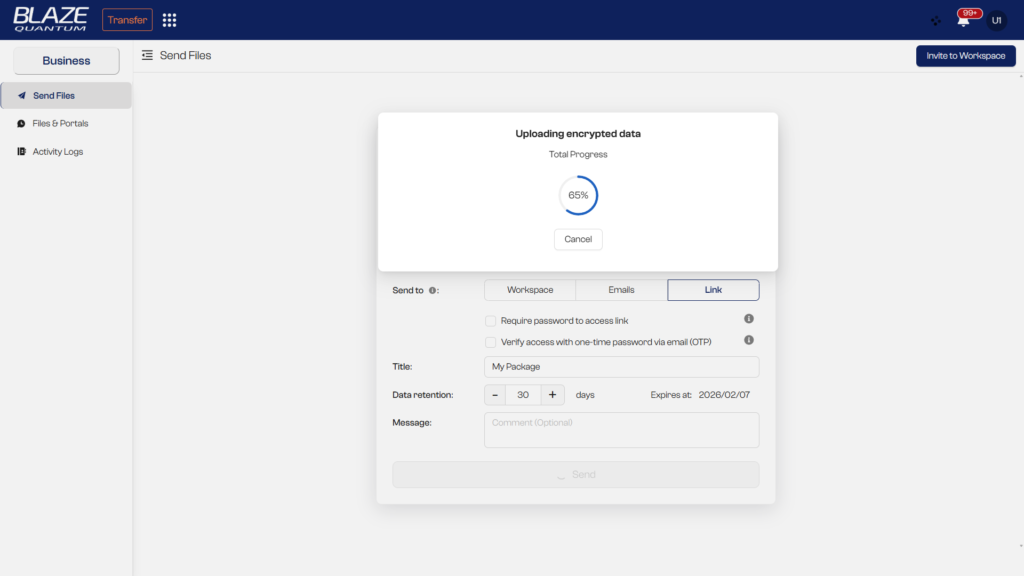
BLAZE Quantum is the premier solution for professionals who cannot afford a leak. Designed for the era of AI and Quantum threats, it serves everyone from enterprise teams to independent creators.
- Total IP Protection: Your data is yours. BLAZE guarantees No AI Training on your files, ensuring your creative work or trade secrets are never ingested by third-party models.
- Quantum-Safe E2EE: Files are encrypted on your device using next-gen algorithms [ML-KEM (Kyber-1024) + ECC-256]. This provides “future-proof” security that even tomorrow’s supercomputers can’t crack.
- Unlimited Creativity: Send massive datasets, 8K video masters, or entire project folders. With unlimited transfers for 30 days, you can send as much as you need.
- Zero Storage Clutter: Files automatically expire, so you never have to waste time deleting old (“heavy”) files to free up space. Unlike storage services, your “Sent” folder doesn’t eat up your quota forever.
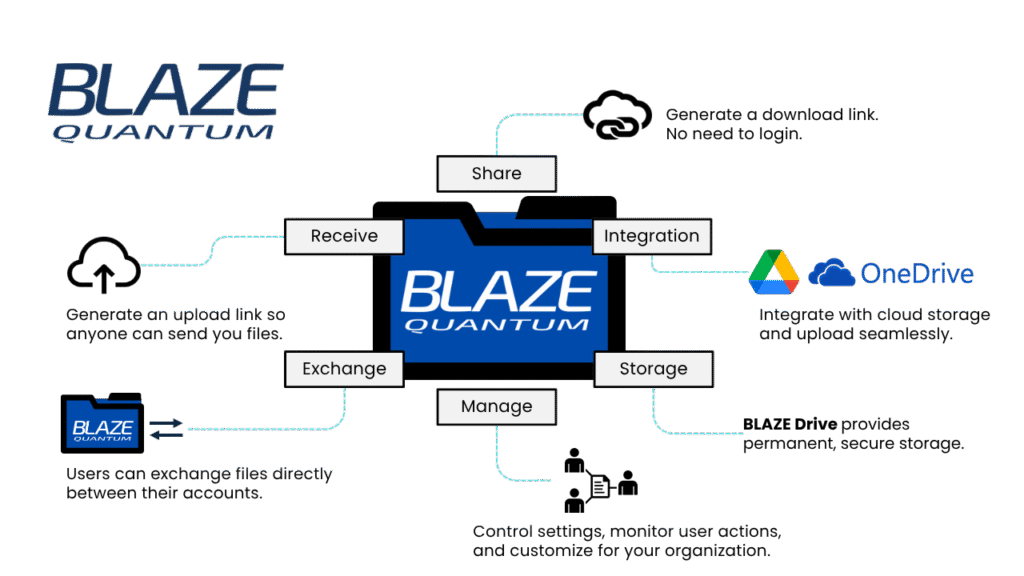
- Secure File Receiving (Portal): Need to collect files? Create a branded upload portal with your logo and domain. Clients can send you files securely without creating an account, and data lands directly in your protected storage.
- Seamless Integration: Already use Google Drive or OneDrive? BLAZE integrates directly, allowing you to pull files from your cloud storage and send them securely via BLAZE Transfer without leaving your workflow.
Learn more about the risks: Download Whitepaper: The Quantum Threat
Google Drive (The Collaboration Standard)
Best For: Collaborative Teamwork on Non-Sensitive Documents.
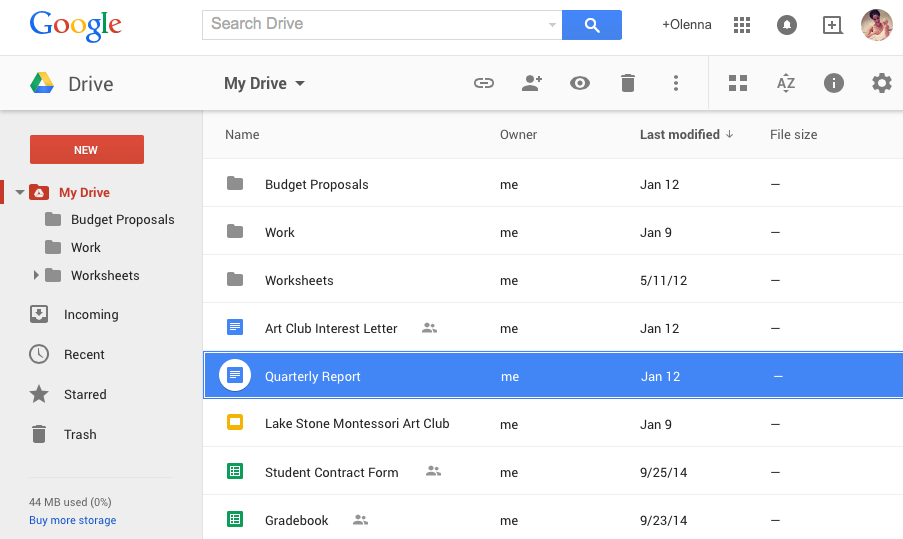
Google Drive is the industry standard for real-time collaboration.
- Pros: Unbeatable for live co-editing of documents and spreadsheets. Excellent for internal team workflows where speed and collaboration are priority #1.
- Cons: “Big Tech” privacy trade-offs. Google scans files for malware and has broad data usage policies. It is excellent for working together, but may not be the most secure channel for delivering sensitive finished products to external clients.
OneDrive (The Enterprise Default)
Best For: Enterprise Internal Management.
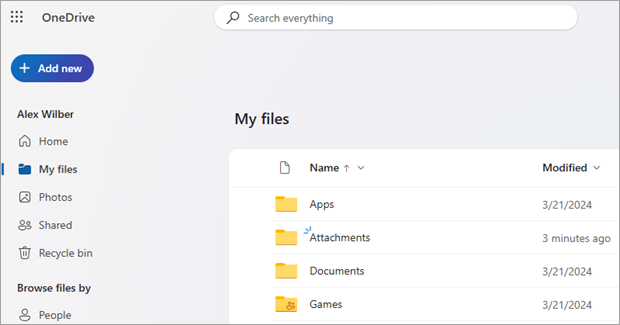
If your organization lives in the Microsoft ecosystem, OneDrive is the logical default for internal file management.
- Pros: Deep integration with Windows and Office 365 allows for seamless internal sharing and version control.
- Cons: Like Google, encryption keys are managed by the provider, meaning they could technically access your data (not True E2EE). Best suited for internal operational data rather than highly sensitive external transfers.
Dropbox Transfer (The Simple Cloud Storage)
Best For: Existing Dropbox users with basic needs.
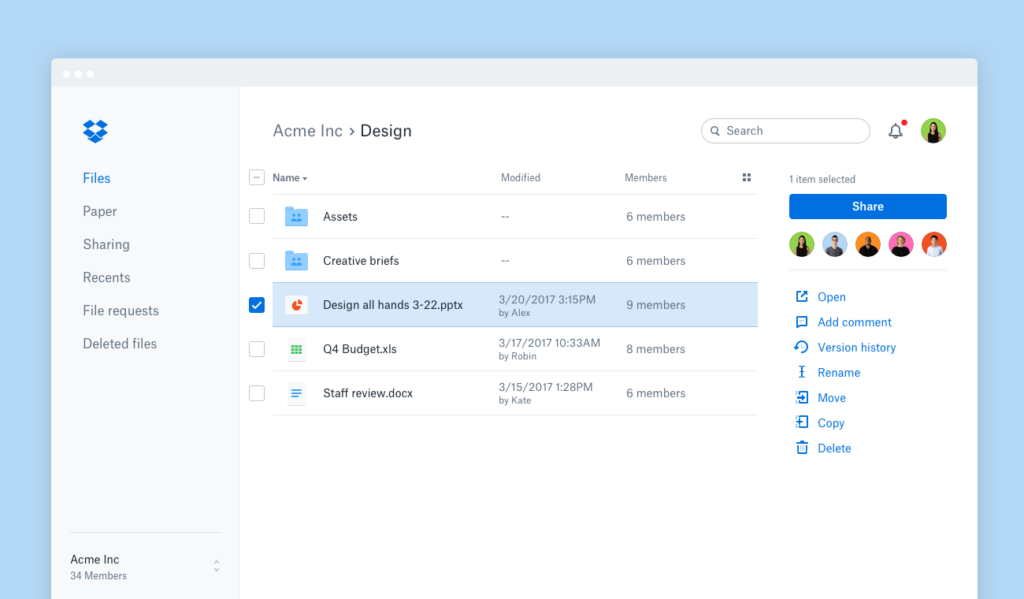
Dropbox Transfer works well for casual sharing if you are already paying for the Dropbox ecosystem.
- Pros: Familiar interface, password protection.
- Cons: History of security incidents. Encryption keys are managed by Dropbox. It lacks the advanced IP protection features required by modern creators and high-security industries.
Warning: Before trusting sensitive data, read about the Dropbox Security Issues: Why They Happen & The Quantum-Safe Alternative.
WeTransfer (The Instant Sharing Tool)
Best For: Quick, Casual Personal Transfers.

WeTransfer remains a popular choice for quick, ad-hoc transfers due to its simplicity.
- Pros: Extremely simple, no-account-needed free tier.
- Cons: Restrictive file size limits. No End-to-End Encryption on standard plans, meaning the platform can technically view your files. Not recommended for confidential IP or sensitive personal data.
Curious how it compares? Read our deep dive: WeTransfer vs BLAZE Quantum.
Security Insight: How They Rank on Protection
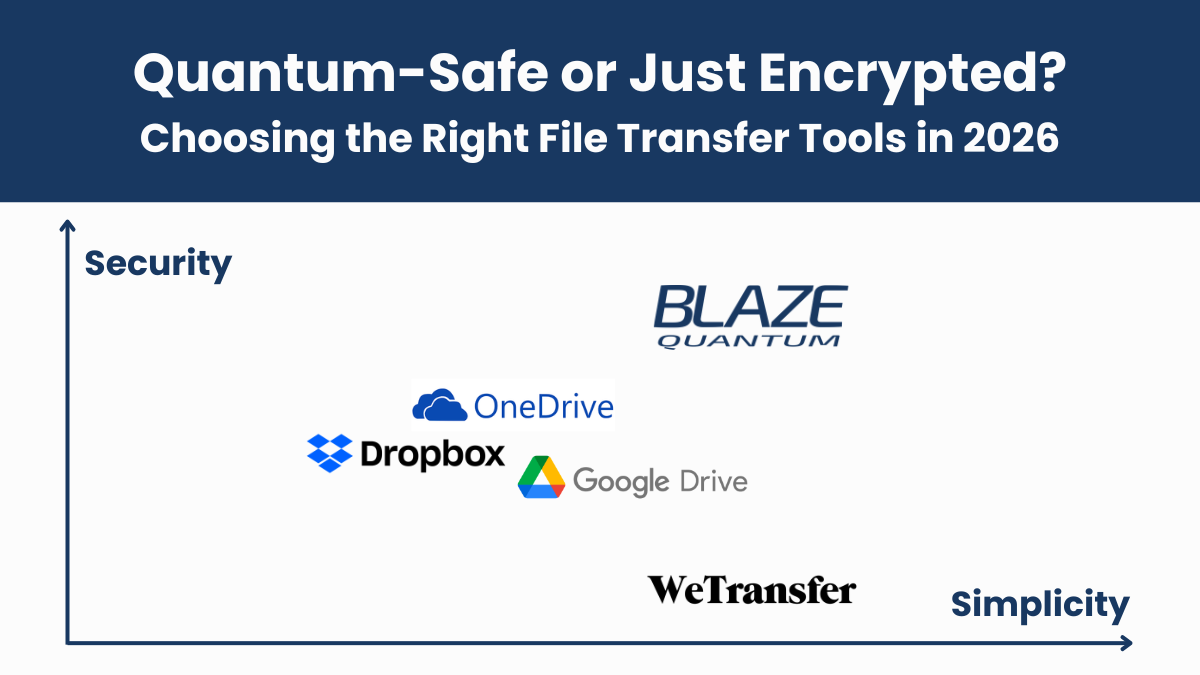
To understand why proper tool selection is critical, here is a ranking based on security architecture and data privacy standards (Analysis by Gemini).
- BLAZE Quantum
- Reason: Implements Quantum-Resistant End-to-End Encryption ([ML-KEM (Kyber-1024) + ECC-256]). Operates on a “Zero Knowledge” model where even the provider cannot see your data. The highest security standard available in 2026.
- OneDrive
- Reason: Features “Personal Vault” and robust compliance certifications (SOC2, etc.). Highly rated for Microsoft’s business-grade infrastructure and robustness.
- Dropbox
- Reason: Standard features include easy password protection and expiration dates for shared links, making it strong against accidental data leaks.
- Google Drive
- Reason: World-class infrastructure, but lacks default password protection for shared links. Privacy policies regarding AI scanning and data usage often spark debate compared to privacy-focused tools.
- WeTransfer
- Reason: Specialized for quick transfer, lacking long-term storage or organizational permission management. The risk of data exposure via leaked links is relatively higher.
The Smart Hybrid Workflow
Most organizations live in the Microsoft or Google ecosystem, and that’s okay. BLAZE isn’t here to replace them—it’s here to complete your security stack.
- Internal Collaboration: Continue using Google Drive or OneDrive for daily team work. They are essential for your internal ecosystem.
- External Transfer & High-Security Needs: Use BLAZE Quantum when you need to:
- Send confidential IP or sensitive data.
- Deliver final assets to external clients.
- Transfer massive working files (8K video, CAD, etc.).
- Send without consuming storage quota (files auto-expire, freeing you from manual cleanup).
- Receive files securely from partners without requiring them to log in.
Why? This hybrid approach lets you keep your convenient ecosystem for working, while using a dedicated, Quantum-Safe channel for moving your most critical assets.
(Pro Tip: You can use BLAZE’s integration to attach files directly from your Google Drive or OneDrive without downloading them first.)
Conclusion
While collaboration giants like Google and Microsoft dominate the office, the need for a dedicated, specialized secure transfer tool is clearer than ever. For professionals who value their privacy—and creators protecting their IP—BLAZE Quantum fills the critical gap. It allows you to protect what matters most, without disrupting the daily collaboration workflows you already rely on.